
 By William Smith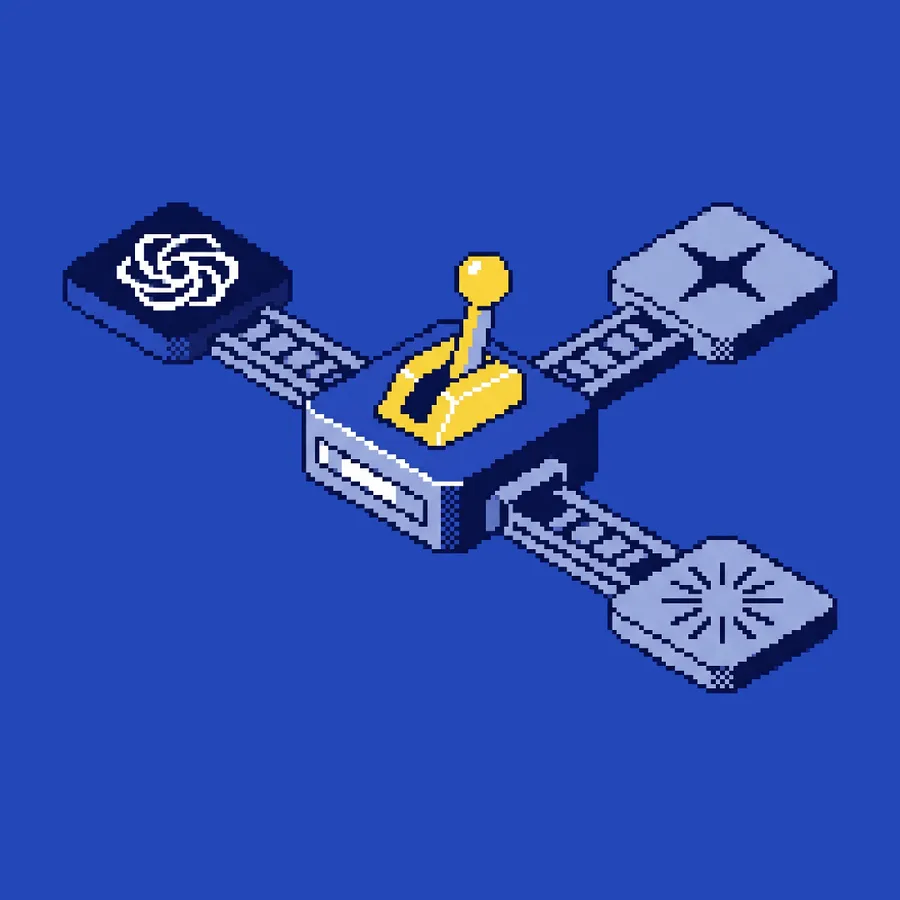
- Match the job to the model.
- Claude for long-form and voice.
- ChatGPT for structure and speed.
- Gemini for long context and research.
- Run a few models. It's cheap.
Here's the most common thing I see when a team starts using AI. You pick a favorite and make it do every job.
Models from different labs are good at genuinely different things. Claude (Anthropic), ChatGPT (OpenAI), and Gemini (Google), plus image models like Nano Banana and audio specialists like ElevenLabs, each pull ahead on different jobs. The pipelines that actually work send each piece of work to whichever model does it best.
So which one should you reach for, and when? Below is the routing logic I use when I build pipelines for creative and marketing teams, plus my picks across 12 of the most common marketing tasks.
Why one model for everything hurts you
Three things happen when you marry one model:
- Your quality plateaus. That model's weak spots become your ceiling. If it's mediocre at structured output, so is everything structured you produce.
- You get locked in. Your prompts, voice docs, and workflows all pile up around one model, so switching gets painful even when someone ships something better.
- Your risk piles up in one place. When that model has a bad release, an outage, or a policy change, and it will, you've got no backup.
Routing fixes all three. For each job, pick the model that fits and let the rest sit idle for that workflow. You're not trying to use them all equally. You're trying to use the right one each time.
The models, in plain terms
Six models cover most of what a creative or marketing team needs. Each one has its own shape: what it's good at, where it falls short, and the work it pulls ahead on.
Which model for which job: 12 common marketing tasks
Click any task to see the model I'd send it to and why. This is where I start when I build a pipeline for a creative or marketing team.
None of this is fixed in stone. It's where I start. Your own work will nudge some of these picks around. Match the job to the model and you'll be fine.
Three routing patterns that work
Pattern 1: Run them side by side
When the stakes are high (a launch announcement, a CEO op-ed), draft the same thing in two models, Claude and ChatGPT, then have a third pass (a model or a person) pick the winner. You keep whichever draft landed closer to on-brand.
Overkill for your weekly stuff. Worth it when your reputation's on the line.
Pattern 2: A main model and a backup
Give each workflow a go-to model and a backup. If Claude's slow or down, ChatGPT takes over the long-form work. You'll notice the voice slip a little, and you accept that to keep moving. The backup keeps you running through an outage.
Pattern 3: Hand it down the line
A draft moves through a few models, each doing what it does best:
- ChatGPT builds the structured outline (fast, format-aware)
- Claude writes the prose against that outline (voice, nuance)
- Gemini checks it against a long window of your past content for consistency
- A person edits the final
Every step gets the model that's right for that slice. You end up with something better than any one model gives you alone.
What you get out of routing
When you move from one model to a routed setup, a few things tend to improve at once:
- Better output, 20–40% on average across mixed work, because each task gets the model that suits it
- Less editing, 30–50% less, because drafts land closer to publish-ready on the first pass
- Less risk, since you're not leaning on one model
- About the same spend, sometimes a bit less. You pay for what you use across a few base subscriptions, and each one is cheaper than the marked-up tools that just wrap these models anyway
Common mistakes
Routing just to route. Don't run four models when two get the job done. Routing should make your life simpler. Start with a two-model split, Claude for prose and ChatGPT for structure, and add another only when you hit a real gap.
Skipping voice anchoring. Route across models without anchoring your voice and each one hands you its own slightly-off-brand version of generic. Voice anchoring rides along with the work: the same reference corpus and the same voice doc, fed into whichever model is generating. (The full voice anchoring guide comes before any of this.)
Chasing per-token pennies. These models run $20–$30/month each. Fussing over per-token spend at that price is almost always false economy. Pay for the right tool and put your energy into the setup instead.
Always picking the cheapest. "Gemini Flash is cheapest, send everything there" is the same one-model trap wearing a disguise. At small-business volume, what a job costs matters far less than how good it comes back.
FAQ
-
Which model is best overall?
None of them. The real answer is "best for this job." Claude is strongest at long-form nuance. ChatGPT is strongest at structured work. Gemini is strongest at long context and grounding.
-
Do I need to pay for all of them?
For a real pipeline, yes. Base subs to Claude ($20/mo) and ChatGPT ($20/mo) plus image generation billed by API usage covers most teams. That's $40–$60/month for the model layer. A lot cheaper than most "AI marketing tools" that just wrap one of these models and add a markup.
-
What about open-source models like Llama, Mistral, DeepSeek?
They're real options, especially if you're self-hosting. If you're a small team without a DevOps person, the closed-source models are easier to run and better out of the box. Come back to open-source once per-token cost actually starts to bite.
-
How do I route between models day to day?
For most small teams, "routing" is just a line in your voice doc: "Long-form goes to Claude, briefs go to ChatGPT, research goes to Gemini." You open the right tool for the right job by hand. Wiring it up in code is a step up you take once you're running higher volume.
-
Will these picks change?
Yes, every quarter or so. The rankings shift as new versions ship. Routing by job stays true; the specific picks keep moving. Give your routing a fresh look every six months.
Picking the right model for each job gets a lot easier once your AI knows your business. The place to start is giving it your context. Give Your AI a Brain shows you how. (For the full integration sequence, see The 90-Day AI Roadmap.)
Related guides